
CFD
Trading Platform

ArcaTrader brings trading, client accounts, risk controls and reporting together in one platform.

For brokers and prop firms, under your own brand.

Flexible liquidity routing
Fully white label
13 languages
Guided setup for your firm
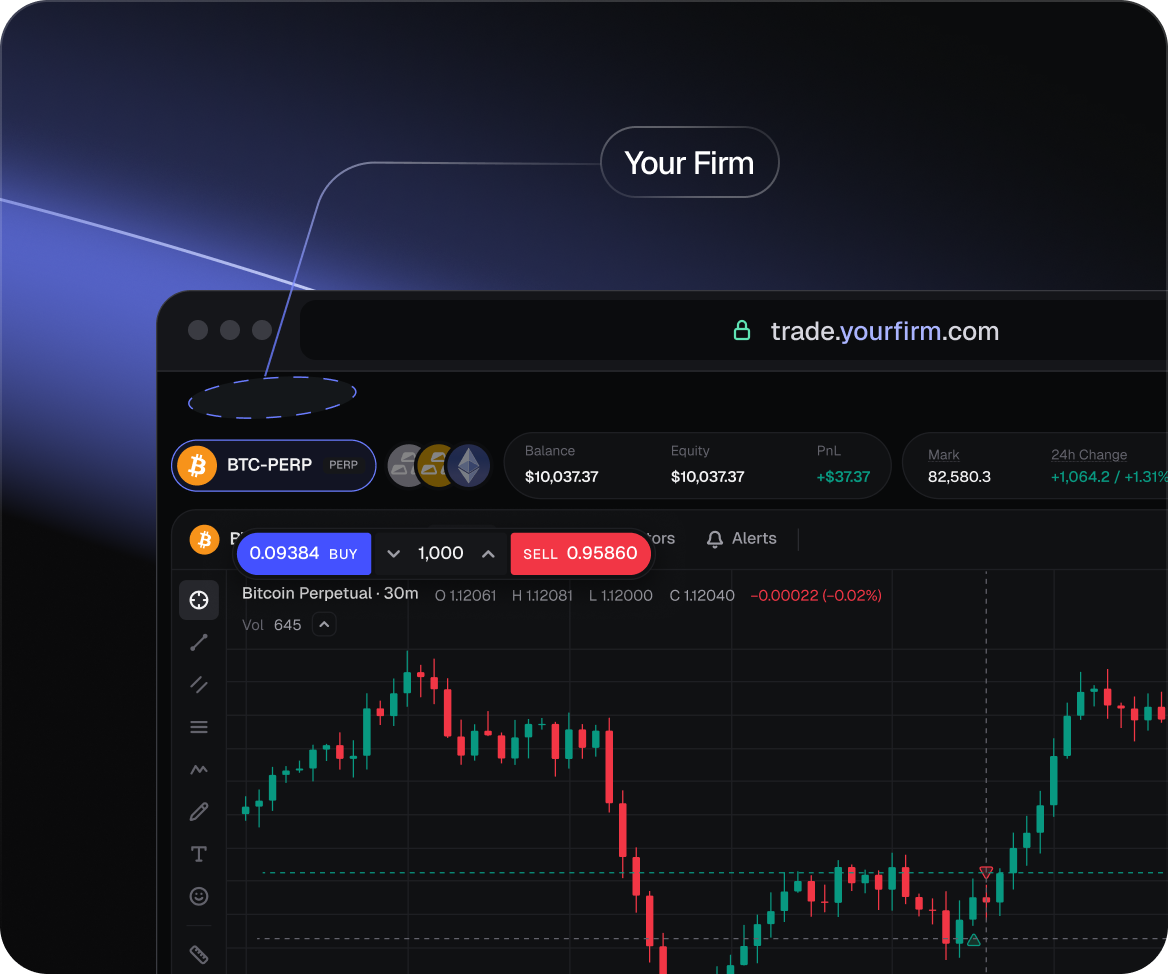
ArcaTrader CFD web terminal with USD/CAD order panel, chart and order bookArcaTrader web terminal with chart and order panel

The ArcaTrader platform
behind your CFD offering

2+ years
live in production
10,000s
of traders using ArcaTrader
20+
reports with Excel & PDF export
24/7
technical support
1,000+ CFD instruments

The markets your
traders want to follow.

Crypto, forex, metals, stocks, indices and energies in one terminal. A multi-asset price feed and ArcaTrader’s own price engine sit behind the market offering.

1,000+ CFDs

Six asset classes.
One terminal.

CryptoForexMetalsStocksIndicesEnergies

Watchlist templates let your firm choose the markets traders see first. CFD trading hours follow the respective markets.

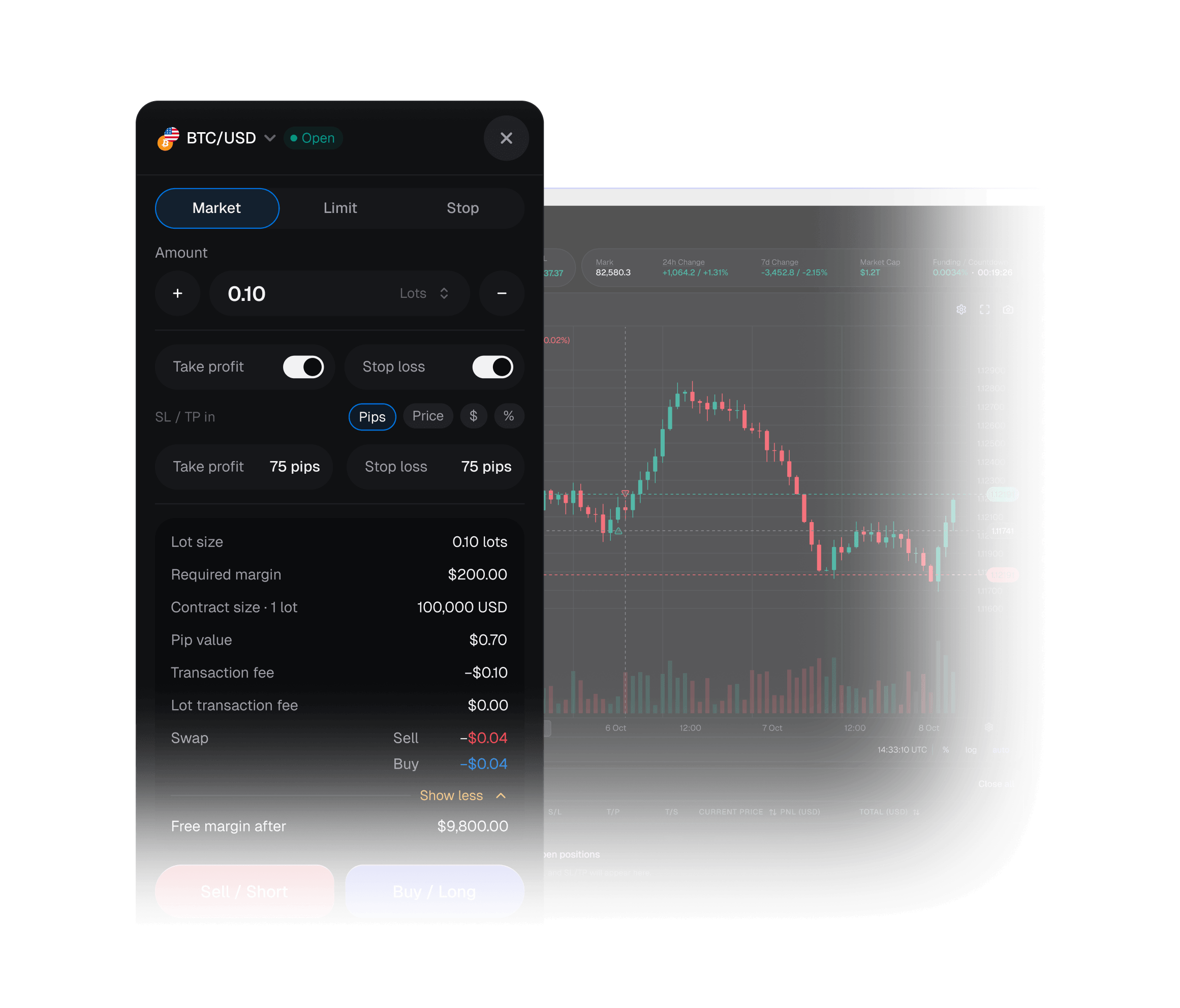
ArcaTrader USD/CAD CFD order panel with take-profit, stop-loss and required margin
The tools in the terminal

Risk-based sizing, TP/SL and account health in one order panel

Risk-based sizing, flexible exits and live account health are built into the web trader. Explore the tools below.

Risk-based sizing
CFD order panel
Account health
01 / RISK-BASED SIZING

Set the risk.
ArcaTrader works out the size.

Choose the percentage of your balance to risk and the platform calculates the lot size. Manual lot sizing is there too, when you want it.

Market, Limit and Stop orders, with sizing in lots or by risk percentage.
Position sizingRisk %
Example balance$10,000.00
Risk percentage
0.5%1%2%
Example risk amount$100.00Lot size calculated by the platform
03 / ACCOUNT HEALTH

Account risk,
in plain sight.

The account health panel shows the margin level, margin call and liquidation levels, and how far the account is from a margin call.

A live margin level bar and account health information in the web trader.
Account healthLive panel
Margin levelVisible at a glance
LiquidationMargin callAccount level
Margin call levelIn view
Liquidation levelIn view
Distance to margin callIn view
02 / CFD ORDER PANEL

Stop loss and take profit.
In pips or as a price.

Market, Limit and Stop orders are sized in lots or from a risk percentage. The order panel shows the spread, required margin and the free margin left after the trade.

Market, Limit and Stop orders. SL/TP in pips or as a price.
CFD order panelTP / SL
MarketLimitStop
Take profit & stop loss units
PricePips
Take profitTarget price
Stop lossStop price
SpreadShown in the order panel
Required marginShown before submission
Free margin after the tradeVisible in the order panel
TradingView charting

On-chart trading

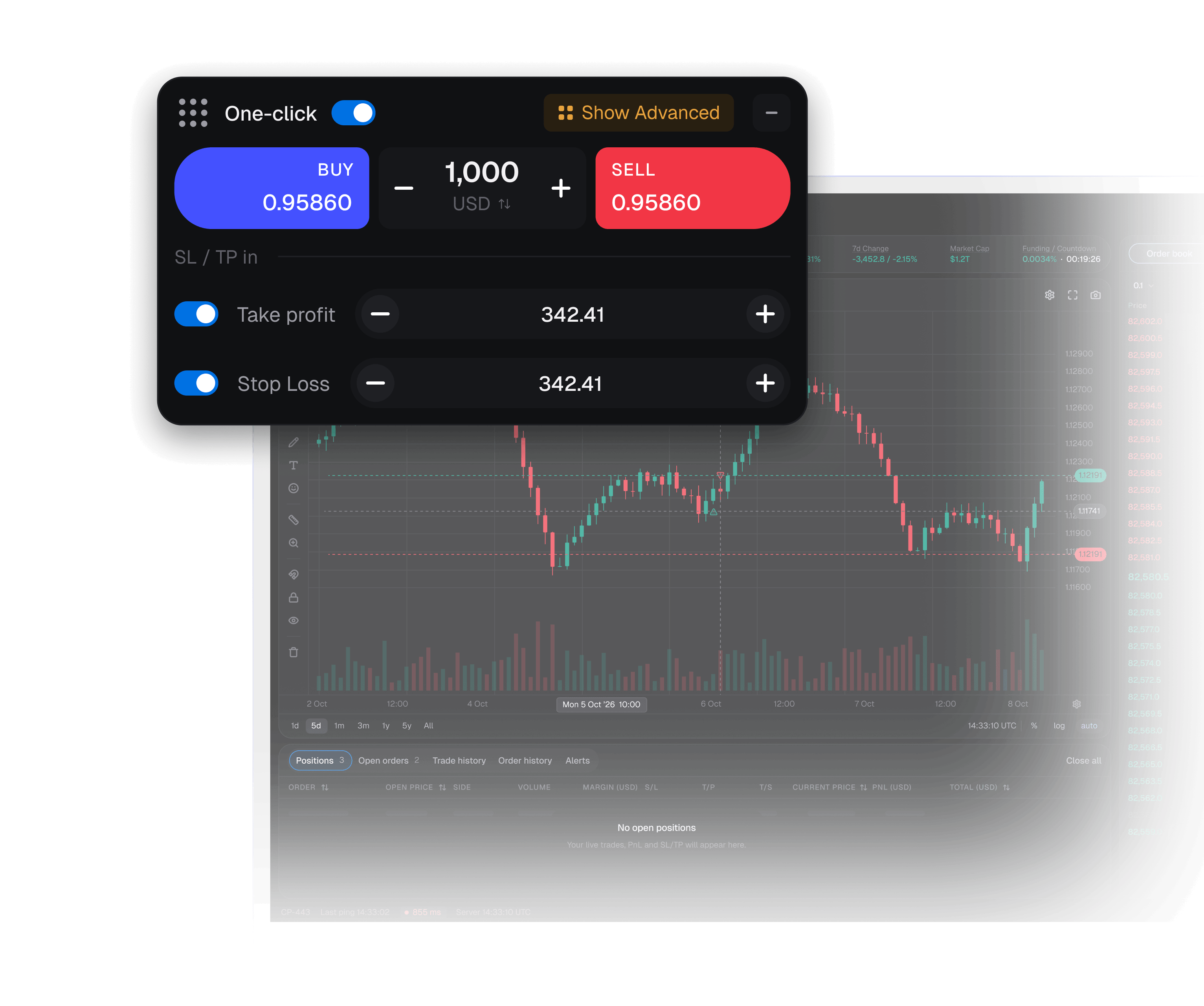
Trade straight from the TradingView chart: one-click Sell/Buy from a floating panel you can drag anywhere, and drag your SL and TP lines to adjust them.

Three workspace layouts

Default, Chart focus or Compact, with saved chart templates.

Price alerts

Set alerts on any market and keep the watchlist focused on what matters to you.

Messages from your firm

An inbox and announcements keep firm updates inside the platform.

For prop firms & brokers

The CFD terminal.
The business tools behind it.

Offer Perpetuals built on Hyperliquid liquidity alongside 1,000+ CFDs, with the same challenge engine, risk controls and reports.

Built-in prop challenge engine

The rules are
part of the platform.

Set profit targets, daily and overall drawdown, active days, starting balances and phases. Pass, next-stage and fail emails go out automatically.

Explore the prop firm platform
Overall drawdown
Daily drawdown
Active days
Profit target
Starting balance
Phases
Automatic challenge emails
ArcaTrader terminal with risk management panel

20+ reports, ready to export

P&L, revenue, turnover, margin warnings, reconciliation and audit reports, with Excel and PDF export.

Live exposure dashboard

View exposure by symbol and trade group, with widgets your team can arrange.

Risk controls by group and symbol

Configure margin call levels, required stop loss, spread limits, price-spike filters and withdrawal limits.

Payments and revenue settings

Deposit and withdrawal approval queues, percentage and per-lot transaction fees, and swap and rollover schedules.

Liquidity & account infrastructure

Route the flow
by trade group.

Keep flow in-house or route to an external liquidity provider. Routing is set per trade group, so your firm can configure the approach it needs.

01 / IN-HOUSE

Keep flow in-house.

In-house routing as part of your trade-group configuration.

02 / EXTERNAL

Use a liquidity provider.

Route flow to an outside liquidity provider.

03 / LIQUIDITY

Access top tier liquidity.

Access to top tier liquidity providers.

Partner network

A two-tier IB portal

Referral agents and mark-up rebate sharing between the IB, agent and firm.

Technical setup

APIs and hosting options

FIX, WebSockets and a web services API. Host on ArcaTrader’s servers or your own.

Fully white label

Your platform.
Branded for your firm.

Custom web addresses, 13 languages and no other firms listed in the platform.

See it for your firm
7 days
to launch, fully branded
13 languages
including English, Spanish, Chinese, Thai, Vietnamese and Swahili
24/7 support
with a dedicated client and admin portal
ArcaTrader web terminal
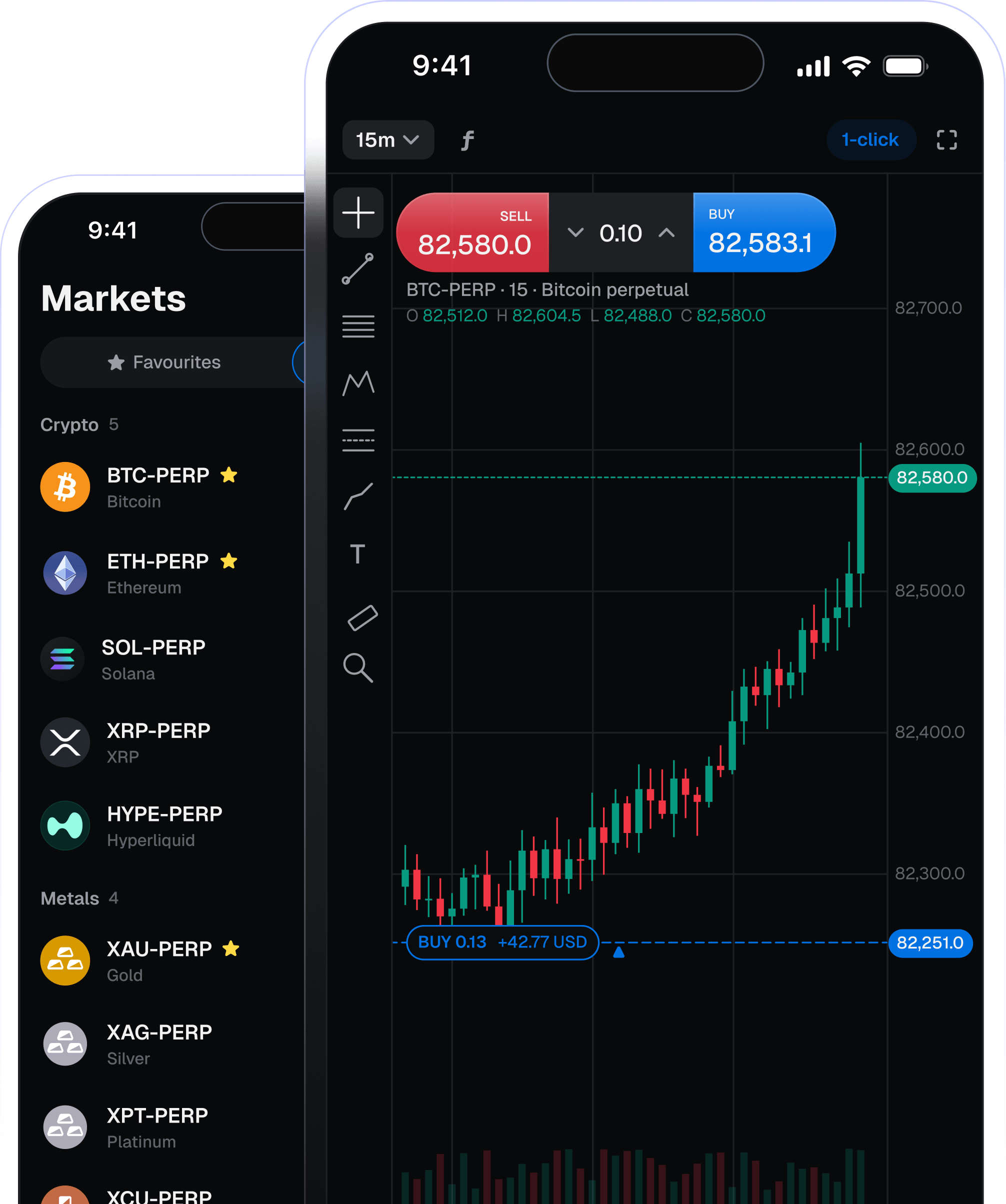
Mobile app

The full terminal in your pocket

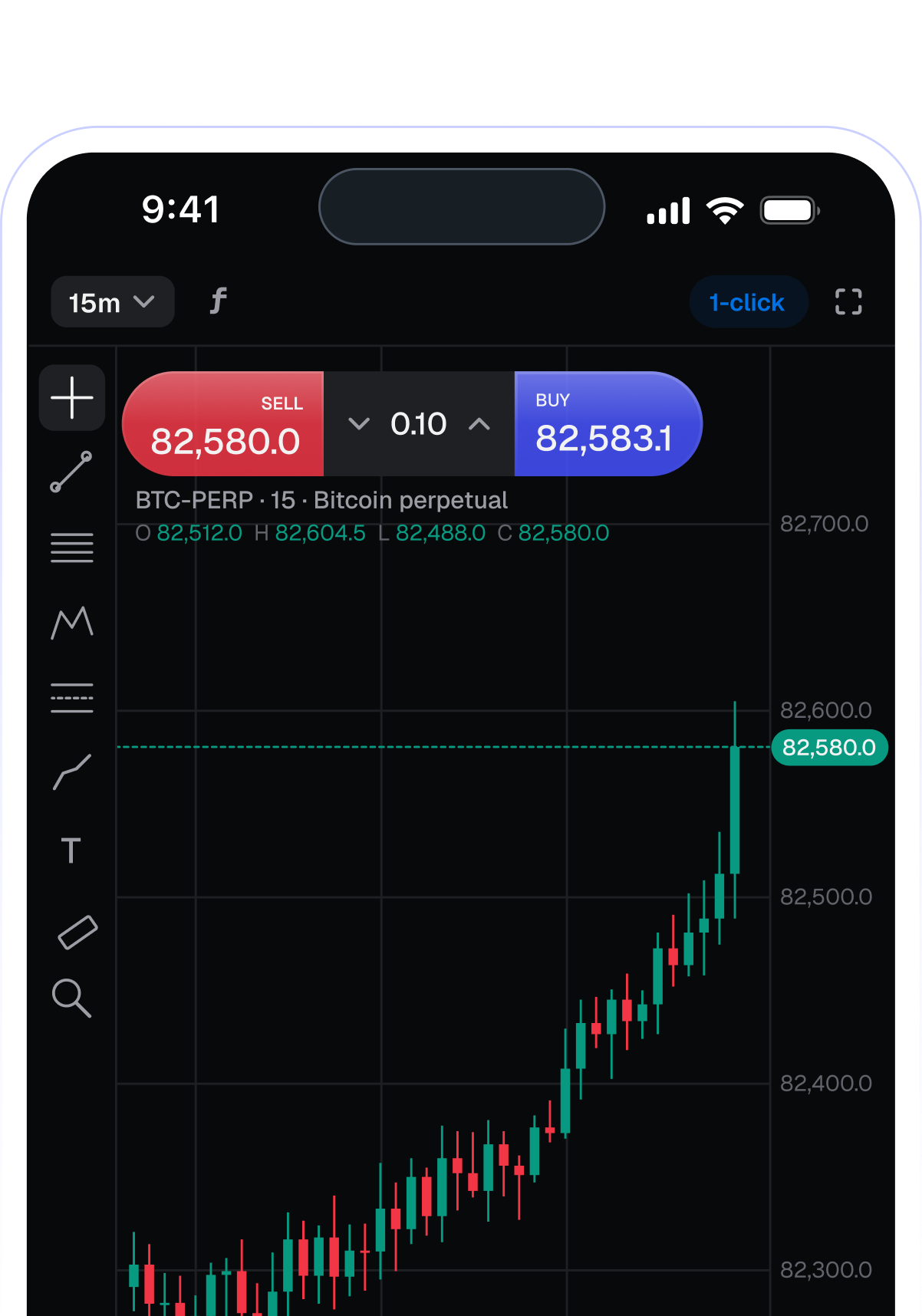
Charts, one-click trading and positions on iOS and Android.

Coming soon to App StoreComing soon to Google Play
ArcaTrader mobile app showing the markets list and a BTC chart with one-click trading
Available now & what’s next

On the web today.
More on the way.

The web trader is live. Native iOS and Android apps are on the roadmap, alongside more platform features.

LIVE NOW

Web trader

TradingView charting, risk-based sizing, CFD order controls, account health and your firm’s back office.

Explore as a guest or create a demo
COMING SOON

Native mobile & more

iOS and Android apps, market depth with a buy/sell imbalance bar, shareable P&L cards and richer trader statistics.

FAQ

The details
that matter.

Which CFD instruments does ArcaTrader support?+

The platform offers 1,000+ CFDs across crypto, forex, metals, stocks, indices and energies, with a multi-asset price feed and ArcaTrader’s own price engine.

Does the CFD platform calculate trade size?+

Yes. Traders can choose the percentage of their balance to risk and the platform works out the lot size. Orders can also be sized in lots, with stop loss and take profit in pips or as a price.

What is shown before an order is submitted?+

The web order panel shows the spread, required margin and the free margin remaining after the trade. Market, Limit and Stop orders are supported.

How can our firm route CFD liquidity?+

Keep flow in-house or route to an external liquidity provider. Routing can be set per trade group.

Which rules does the challenge engine support?+

Set profit targets, daily and overall drawdown, active days, starting balances and phases. Pass, next-stage and fail emails go out automatically.

Are the native mobile apps available now?+

The web trader is live. Native iOS and Android apps are coming soon, alongside other features on the platform roadmap.

CFDs on ArcaTrader

See the platform.
See what’s built in.

Explore the web trader or talk through a branded setup for your firm.

Built on
Hyperliquid + TradingView